From the Data Tab
Click on the ID # hyperlink of the form which contains the record.
This will display all records in a list view:
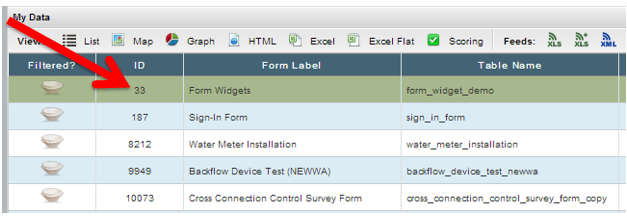
Locate the record and click on the ID hyperlink of the record you wish to print.
Click the PDF icon in the upper right-hand corner.
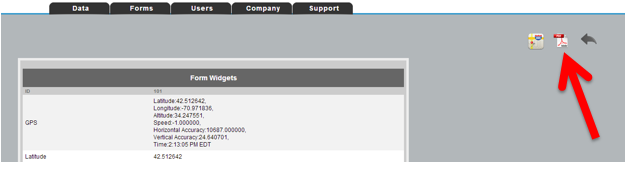
From the PDF display in your browser, use the browser's tools to download or print the PDF